
Artwork Guidelines | Print & Embroidery File Requirements
Artwork Guidelines | Print & Embroidery File Requirements
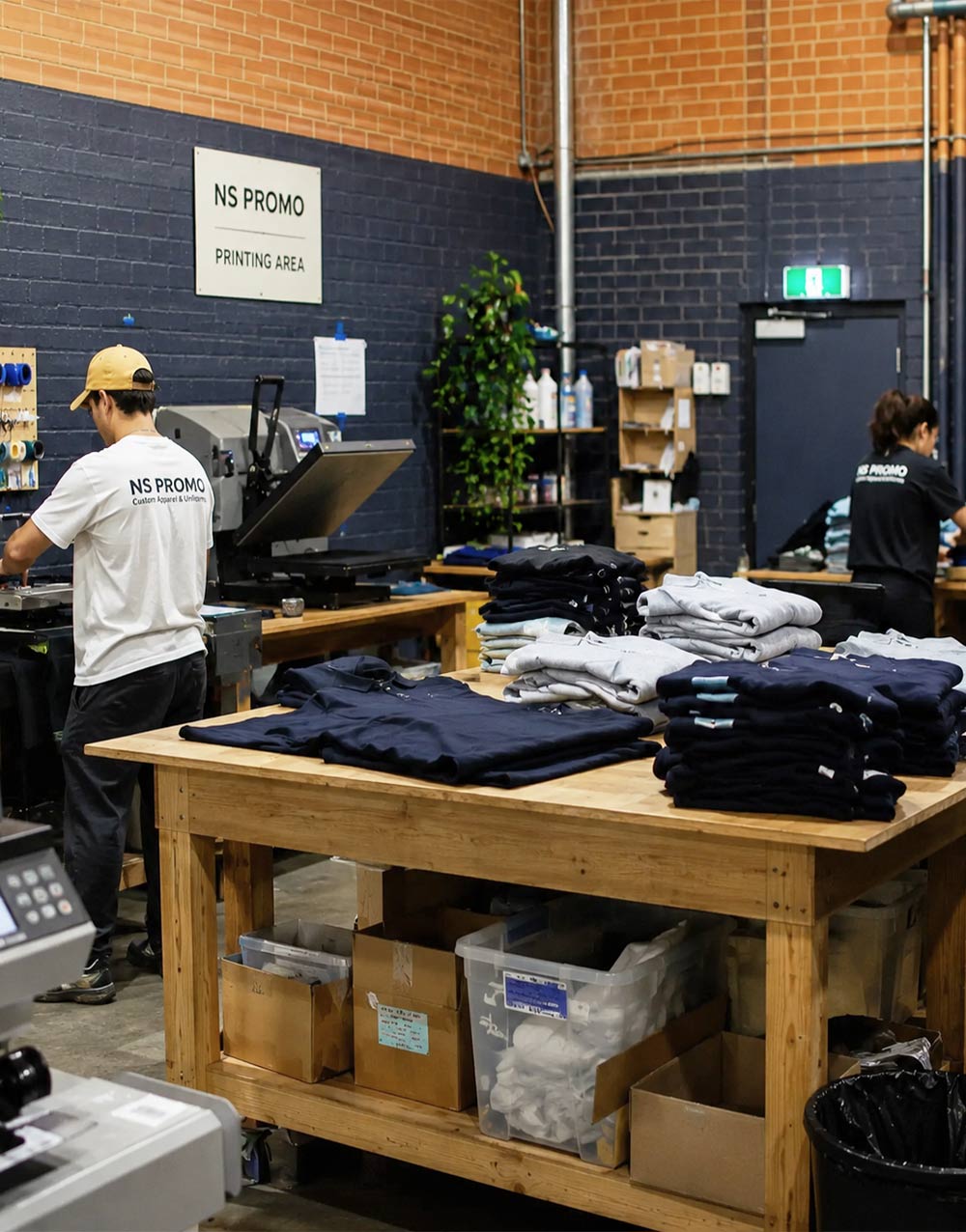
To help us prepare your custom uniforms smoothly, please supply the best quality logo or artwork file available. This guide explains preferred file formats, image resolution, colours, sizing and placement details for logo printing and embroidery.
Accepted file formats
- Vector files preferred – AI, PDF, EPS or SVG files are best for logos. Please outline all text where possible.
- High-resolution image files – PNG, JPG or TIFF files can be used if the image is clear and large enough.
- Transparent background preferred – especially for logo printing and artwork with irregular shapes.
- Embroidery references – DST, EMB or existing stitch files are helpful if available, but not required.
Artwork quality guide
- For logo printing – artwork should be clear, sharp and supplied at final print size where possible.
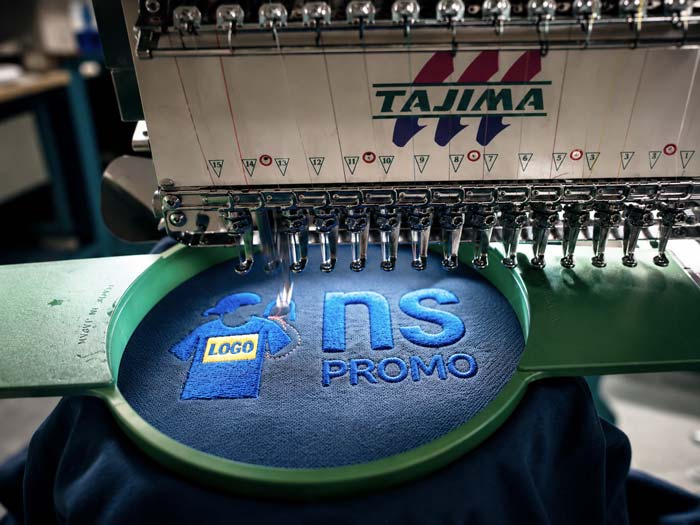
- For embroidery – simple, clean logo shapes usually work best. Very small text or fine details may need adjustment.
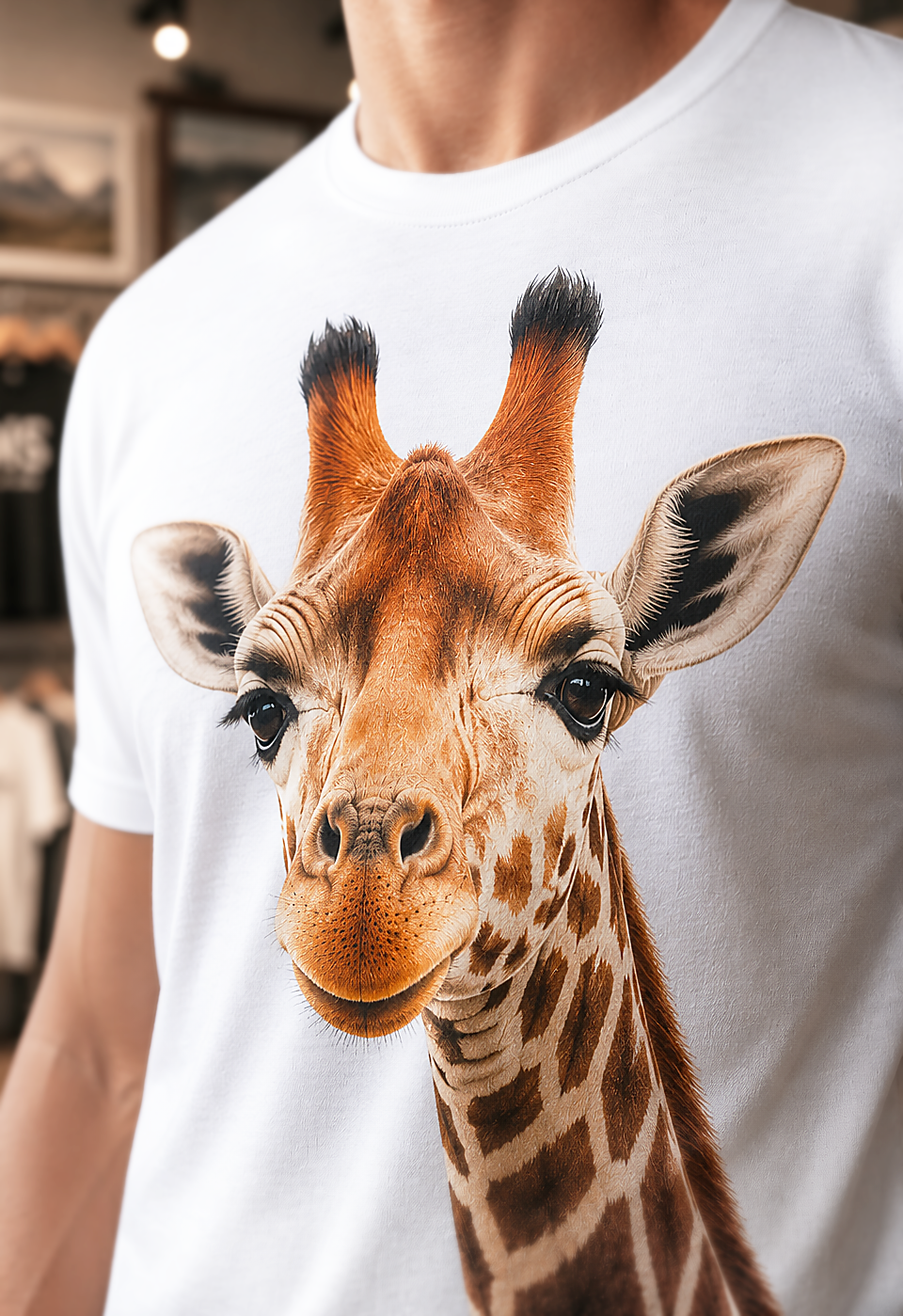
- For photos or complex graphics – please provide the highest resolution version available.
- For repeat orders – approved artwork helps keep future production more consistent.
Useful details to include
- Garment style, colour and quantity
- Logo placement, such as left chest, back, sleeve or cap front
- Preferred logo size, if known
- Required date or event deadline
- Any brand colour requirements
If your file is not print-ready, our team can review it and advise what is needed before production. For best results, send your logo together with your garment choice, quantity and preferred decoration position.